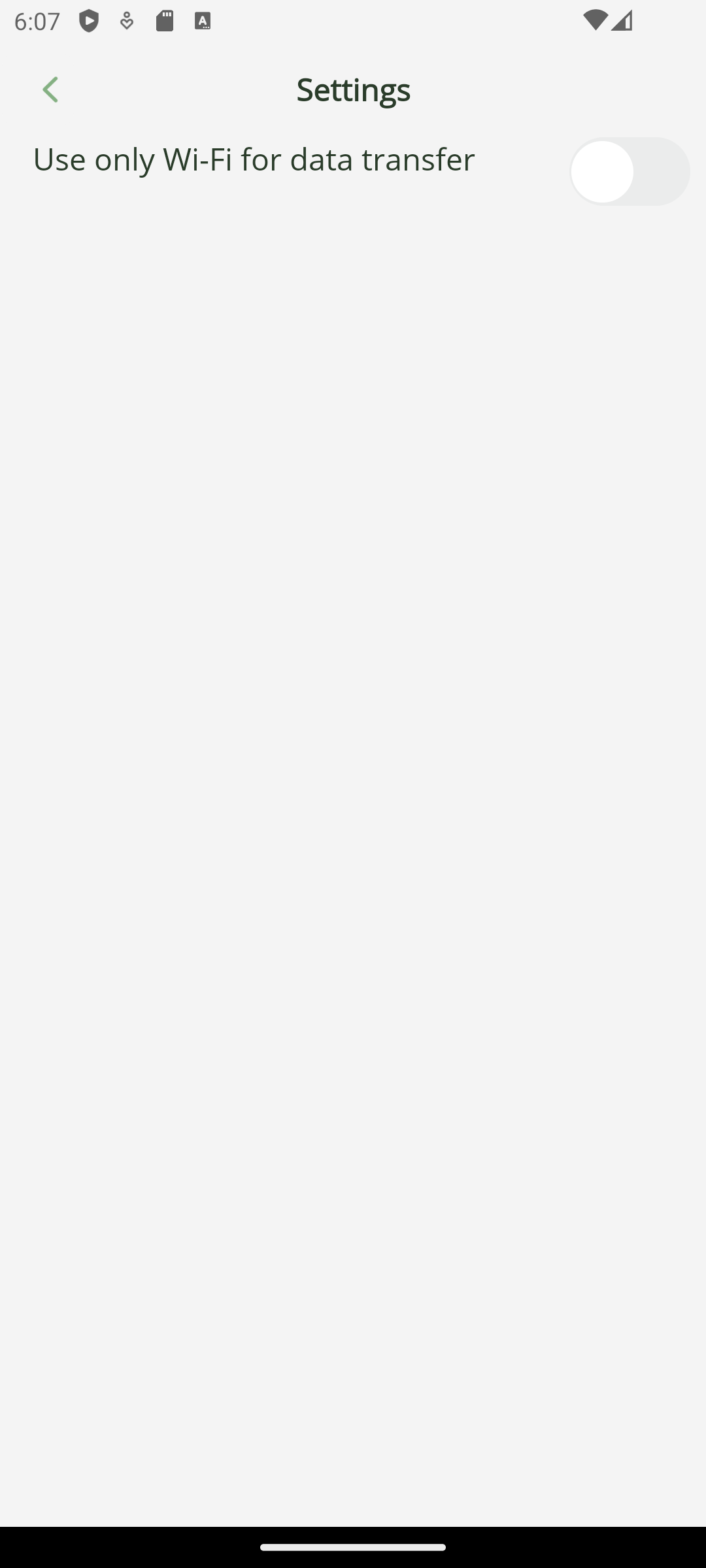
Leveraging audio badges and speech analytics to boost sales performance

Leveraging audio badges and speech analytics to boost sales performance

March 23, 2026

When management is dissatisfied with financial performance, they must analyse the quality of the consultants' work, which can primarily be evaluated through their oral conversations with both potential and current clients. Here's what can help: an audio badge, audio recordings, and speech analytics. If a salesperson follows the script but to no effect, listening to and reviewing the dialogue may help correct the script by inserting questions that could be more interesting to the client, and using arguments that elicit a positive response from a potential buyer. Clients' behaviour and motivation become clearer after examining the content and analysis of the conversations.

GRAN

“We came to EDISON after an unsuccessful attempt with a previous contractor who provided us with only pretty pictures but failed to deliver the main functionality – transferring files between devices. EDISON delivered working prototypes for both Android and iOS within the agreed timeframe.”

GRAN

When salesclerks are aware that their conversations are being recorded, they tend to be more attentive and professional during their dialogues. Even inherently difficult buyers communicate more calmly. As a result, communication standards improve. Even when conflicts arise, they are easier to understand and learn from. Additionally, when workers know they are being recorded, they are less likely to be distracted by personal conversations, which increases productivity. These are just some of the benefits of phone call analysis.

In educational institutions, audio badges are used by professors to record their lectures, contributing to better discipline and improving the quality of information presentation. The availability of audio recordings and transcripts makes studying for exams easier and allows students who were absent to catch up with the class.

info

‘Badge’ is a word that refers to an identification tag or an element of a uniform, typically in the form of a pin or an ID card, used to identify the person wearing it.

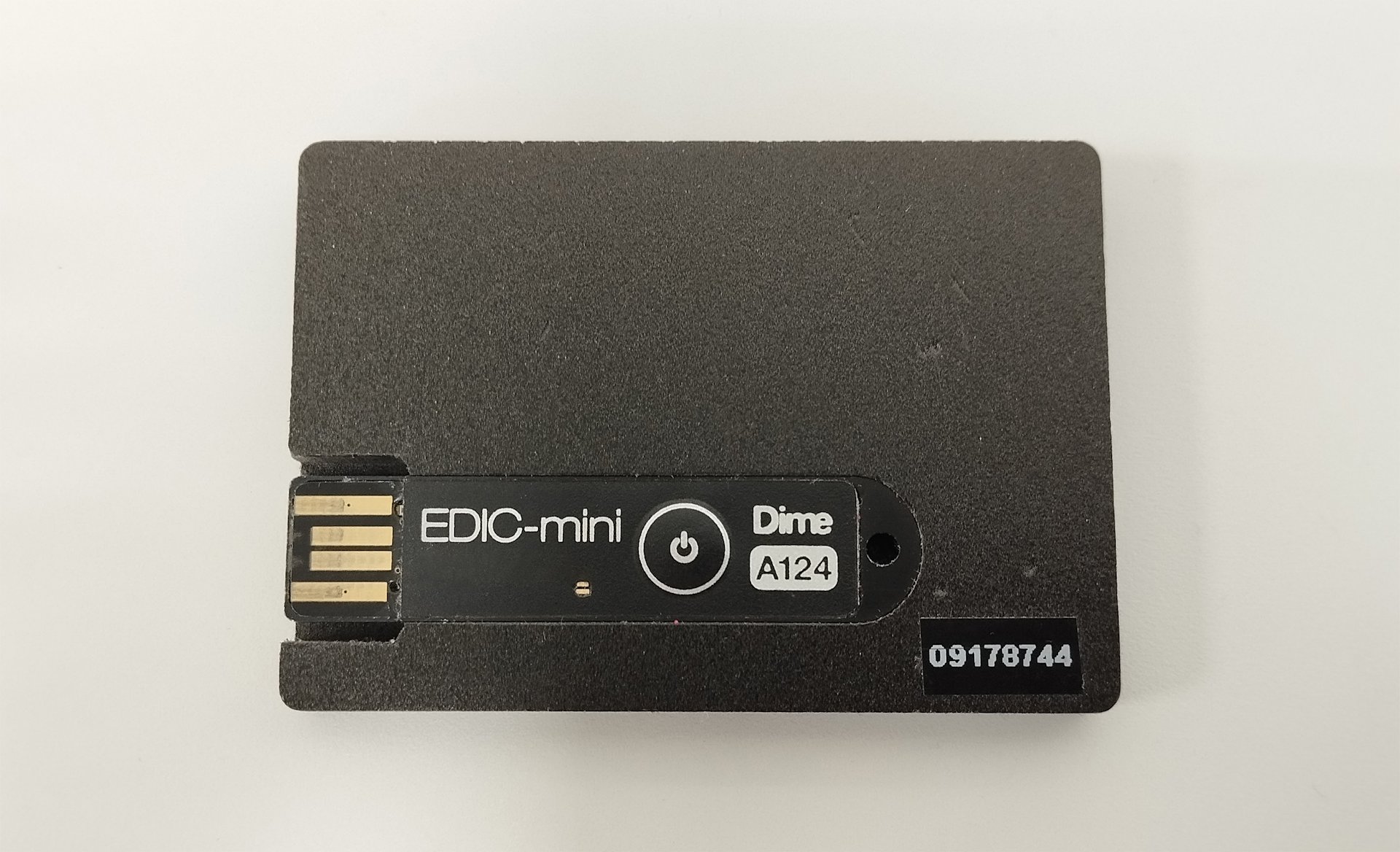
We have developed a mobile application for Android and iOS to record conversations and export them from the audio badge to a smartphone via USB, and then from the smartphone to a file server. The physical audio badge is a voice recorder housed in the casing of an ID badge, worn on a worker's jacket. The badge is charged via direct current when connected to USB. The files on the voice recorder are accessed through the same USB interface and function like a regular flash drive. To connect the recorder to a smartphone, you need a cable adapter that supports data transfer; otherwise, the phone will not recognize the external storage device. Unfortunately, some manufacturers claim their adapters support data transfer, even though they do not. We had to try several cables for Android before finding one that worked. When we first encountered this problem, it baffled us, as we couldn't tell whether the recorder was faulty or if the issue was with the smartphone, since it didn't recognize the device. The iOS cable adapter worked immediately.

In practice, it's a good idea to consider individual characteristics: some people are better at aural perception, while others perceive written text more effectively. That's why we plan to enable the audio badge software to automatically convert speech to text. During playback of the recording, a transcription of the dialogue will appear in the same window, divided into utterances by different speakers.

audiobadge
The reverse of the audio badge with a USB-port

The application was created for two mobile platforms. Android applications are typically written in Java or Kotlin, while iOS applications are written in Swift. To save on resources, we chose MAUI from Microsoft, a cross-platform framework for developing mobile and desktop applications. MAUI is the new version of the well-known Xamarin, which is no longer supported.

A bit of theory

An audio file from the server is sent to the speech recognition module, where it undergoes pre-processing: filtration, noise reduction, and sound normalization to improve clarity and eliminate background noise, which could confuse algorithms later in the process. The audio file is then divided into small segments, which are analysed separately. Modern systems rely on recurrent neural networks (RNNs) and their extensions, such as ‘long short-term memory’ (LSTM). A large database of samples teaches the system to recognize accents, intonations, and stylistic peculiarities of speech.

Neural networks are trained using the process known as ‘backward propagation of errors’. After predicting a potential text representation of the audio signal, the delta between the predicted text and the actual one is calculated. The error is then sent back through the network, and the neuron weights are adjusted to reduce future errors. This process is repeated until the model reaches an acceptable level of accuracy.

The model receives audio segments, compares them to phonemes (phonetic units), and transforms them into words and phrases. While forming the textual representation, another algorithm predicts the most likely next word in a phrase, significantly improving recognition accuracy.

The model can also be fine-tuned to incorporate specific terms relevant to a particular context or field of knowledge, making the language more natural.

Android

In Multi-platform App UI, you can write both general code and platform-specific code using directives like #if android and #if ios. It is also possible to specify the system versions used on the device through these directives. The development was conducted iteratively: first for Android, then for iOS, which led to certain challenges later, as is often the case with cross-platform development. But let's go step by step: first, we had to gain access to the files on the voice recorder. Android has increased its security again, and now the Gran QM application must request access to any folder outside the file sandbox. This means that the code will definitely be platform-specific. On Android, we open the file manager, where we can select the folder to which the root of the audio badge flash drive will be mounted.

Intent intent = new Intent("android.intent.action.OPEN_DOCUMENT_TREE");
Microsoft.Maui.ApplicationModel.Platform.CurrentActivity.StartActivityForResult(intent, 1);

We needed to choose a condition that would trigger the root mount. Clicking a button was not suitable. First, when the application starts, you can see the connected USB devices through UsbManager – no additional permissions are required. Here, you can also filter the devices by manufacturer to prevent false triggers when a regular flash drive is connected. Secondly, we made the window activate when a device is connected, so there's no need to manually code connection monitoring cycles. The BroadcastReceiver class can react to the creation of an Intent. That's why we created a class that inherits from BroadcastReceiver and used it to filter USB device connection and disconnection events. After that, by pressing the large button, the captured audio is copied into the application's internal memory, also known as the ‘sandbox’.

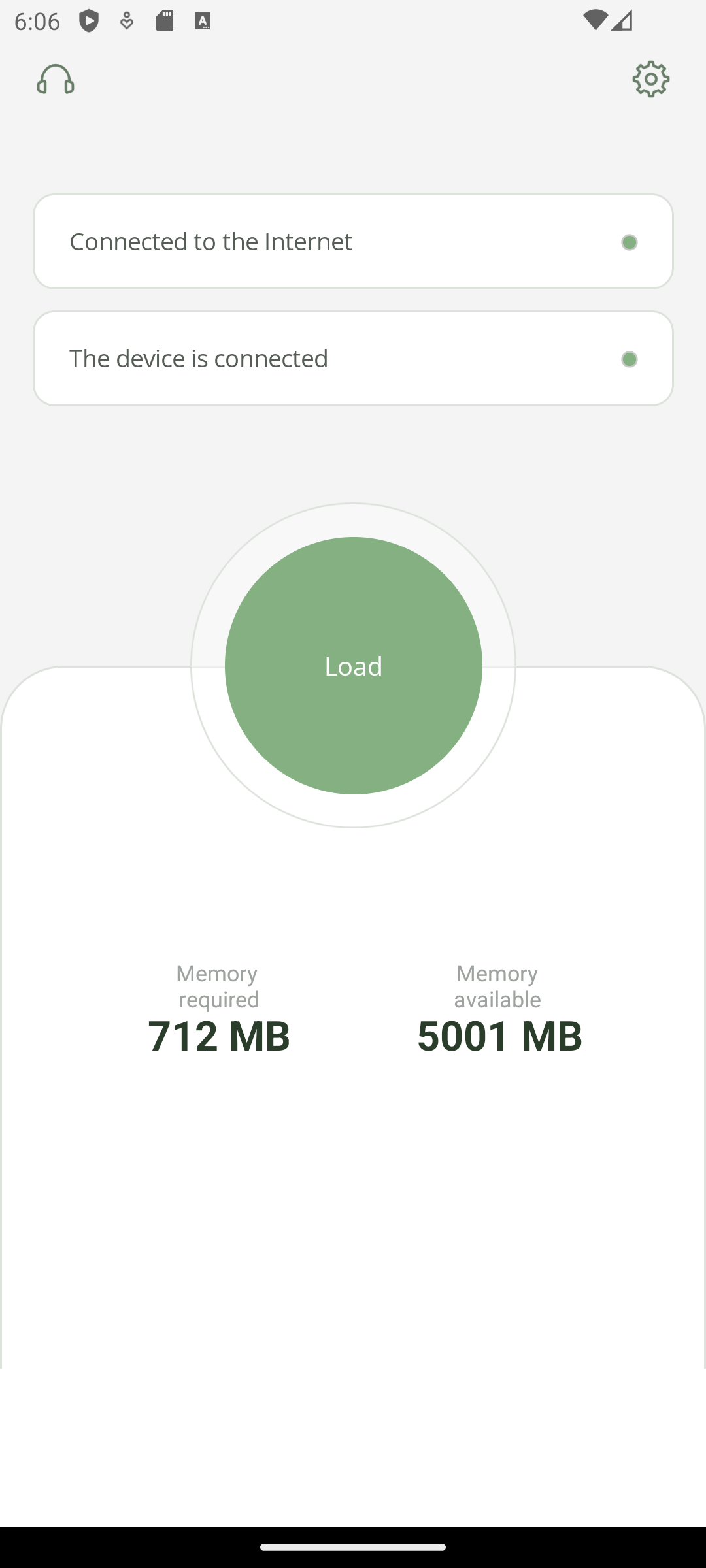
Next, we focused on its design. We kept it simple and flat, as preferred. It took a bit of work to create the large button in the middle of the screen because there was nothing like it in the standard graphical element library. And just to jump ahead, PNG images didn't display under iOS. So, we immediately added SVG support to the project, even though Android can handle both formats.
media is connected
notifications
feedback
settings

As for the data transfer from the recorder to a smartphone, and then from the smartphone to an FTP server, there may be an issue caused by the need to count the number of transferred megabytes, as the standard Stream.Copy method is unable to do this. Creating our own method for copying from a stream, CreateFileFromStream, helped. Unfortunately, we had to write platform-specific code and replicate the copying logic for iOS with its particularities, especially because of the need to conduct audio file transfers in background mode while the file copy is running, and the application is minimized.

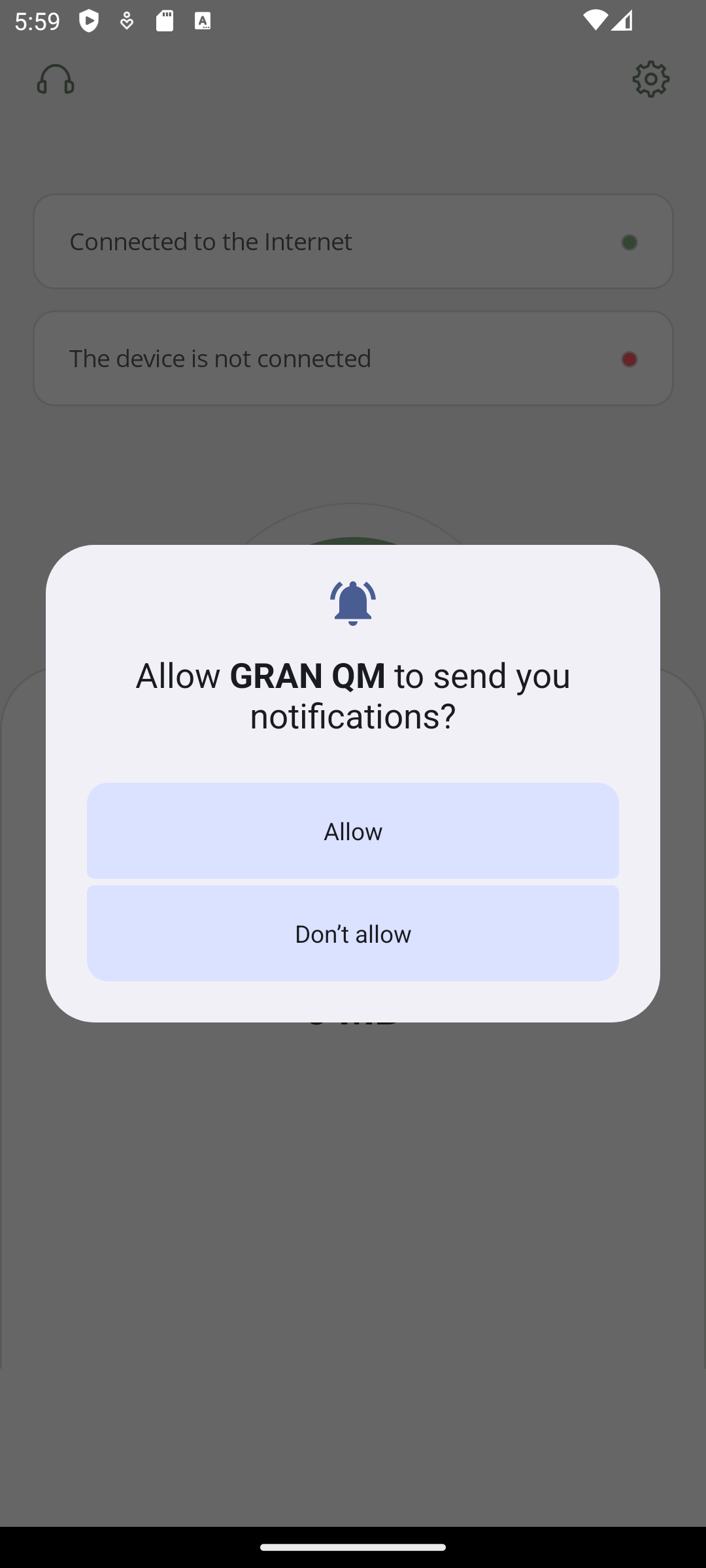
The status of the data transfer is shown in the smartphone notifications. The Android documentation in Xamarin is more detailed than in MAUI, but all the old examples still work. It was more complicated for iOS – notifications can't be changed once they've been displayed, and any update triggers a new notification. So, we had to add a delay between notifications in UNTimeIntervalNotificationTrigger.CreateTrigger. There are no instructions on how to work with notifications in iOS within the MAUI documentation, so we referred to the Swift documentation instead.

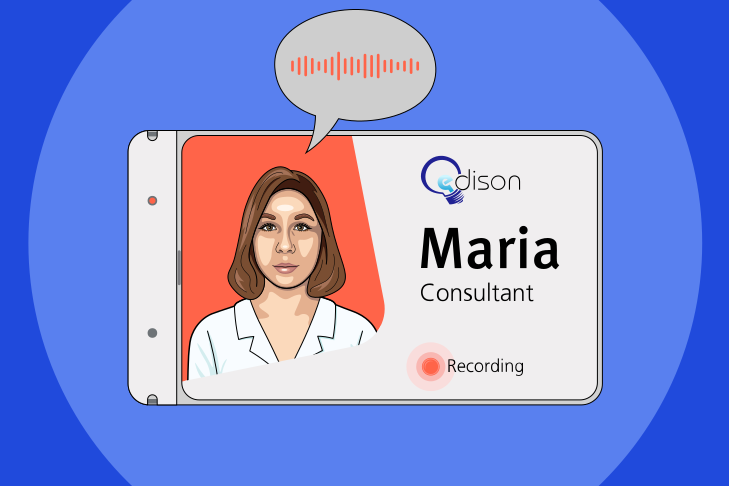
Now that we've dealt with notifications, it's time to address permissions across different operating systems. There's a cross-platform check Permissions.RequestAsync<> specifically for this. FTP server connection checks and the actual connection via Wi-Fi or mobile internet are also cross-platform. Permission to use mobile data can be granted in the settings menu.

IEnumerable<ConnectionProfile> profiles = Connectivity.Current.ConnectionProfiles;

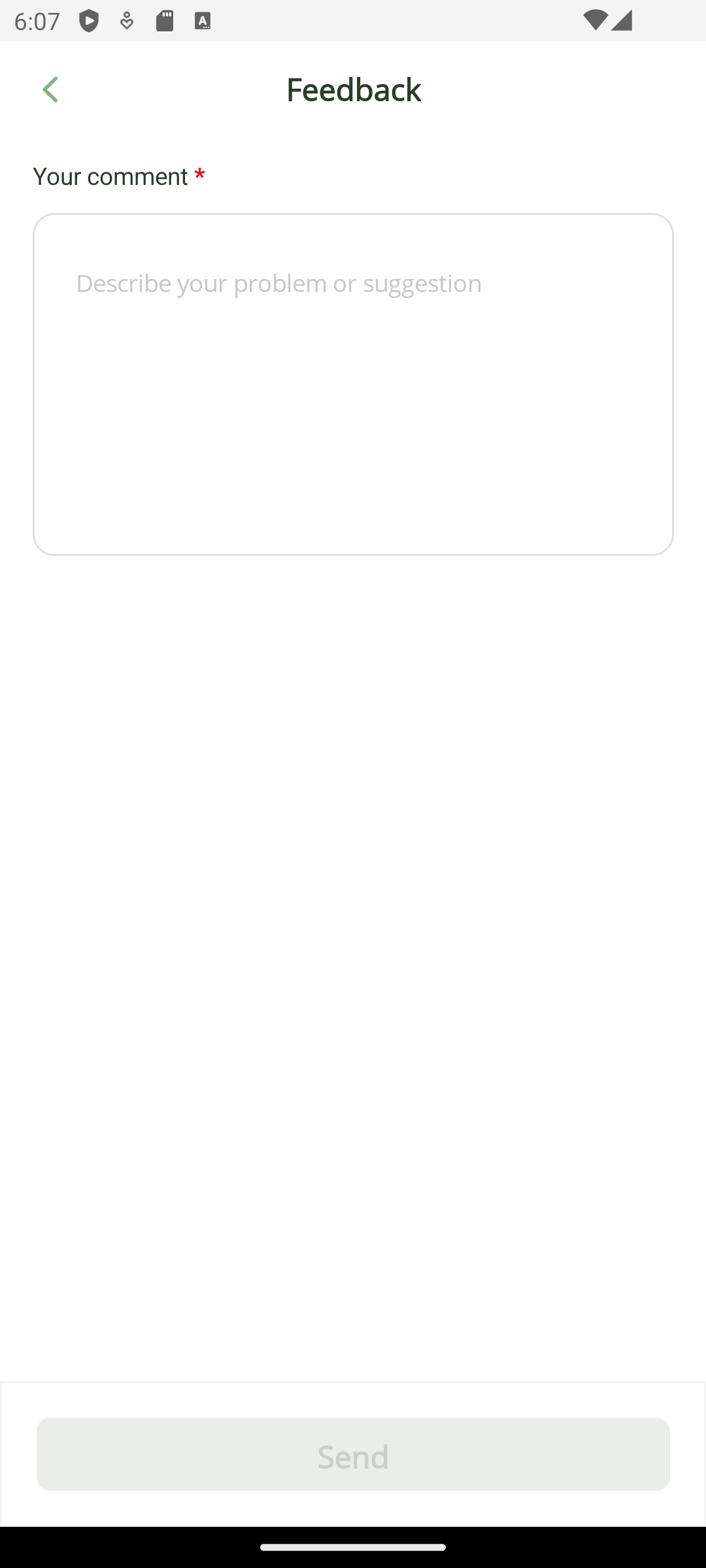
The feedback window triggers the selection of an email service and the sending of a message. Smartphone information is included in the message text: phone model, manufacturer name, device name, firmware version, display size, and OS version.

iOS

Rounding the corners of a UI element of the Frame type works differently on each platform. In iOS, the corners can be rounded to the point where the midpoints of the sides connect along one line, causing the element to take the shape of a diamond. In Android, the corners can only be rounded to a maximum of 90 degrees, giving the element the shape of a circle. To maintain design consistency across both platforms, we had to replace the Frame with a new element type, Border.

In iOS, text widgets are unable to properly auto-size based on text content – the text on a new line gets cut off if it doesn't fit into the visible area. The solution was to specify the container height explicitly and break the lines into separate elements of the Span type.

exclamation in circle

Working with not only code but also physical devices is even more interesting for us.

A more serious problem was tracking the connection and disconnection of the recorder from the smartphone. In iOS, there is no way to track such events without the built-in Apple MFi authorization chip, which confirms the authenticity of the device. It's worth mentioning that the audio badge did not have such a chip. Apple's policy considers tracking without this chip a security breach, even though the tracking was conducted within the built-in file manager. Apple offers to share their development secrets by sending developers to corporate courses under a non-disclosure agreement. This did not suit us, so we had to settle for manually selecting the audio badge folder after clicking the button.

MAUI is a convenient tool for developing simple applications, but specific functionality requires knowledge of the unique features of the Android and iOS platforms. Unfortunately, this reduced the benefits of its cross-platform development advantages.